The Ultimate Guide to Automating Your Dropshipping Orders in 2026
Welcome to 2026! The dropshipping landscape has evolved, and automation is no longer a luxury – it's a necessity. If you're still manually processing orders, you're likely losing valuable time and potentially missing out on sales. This guide will walk you through, step-by-step, how to automate your dropshipping order process, freeing you up to focus on what truly matters: growing your business.
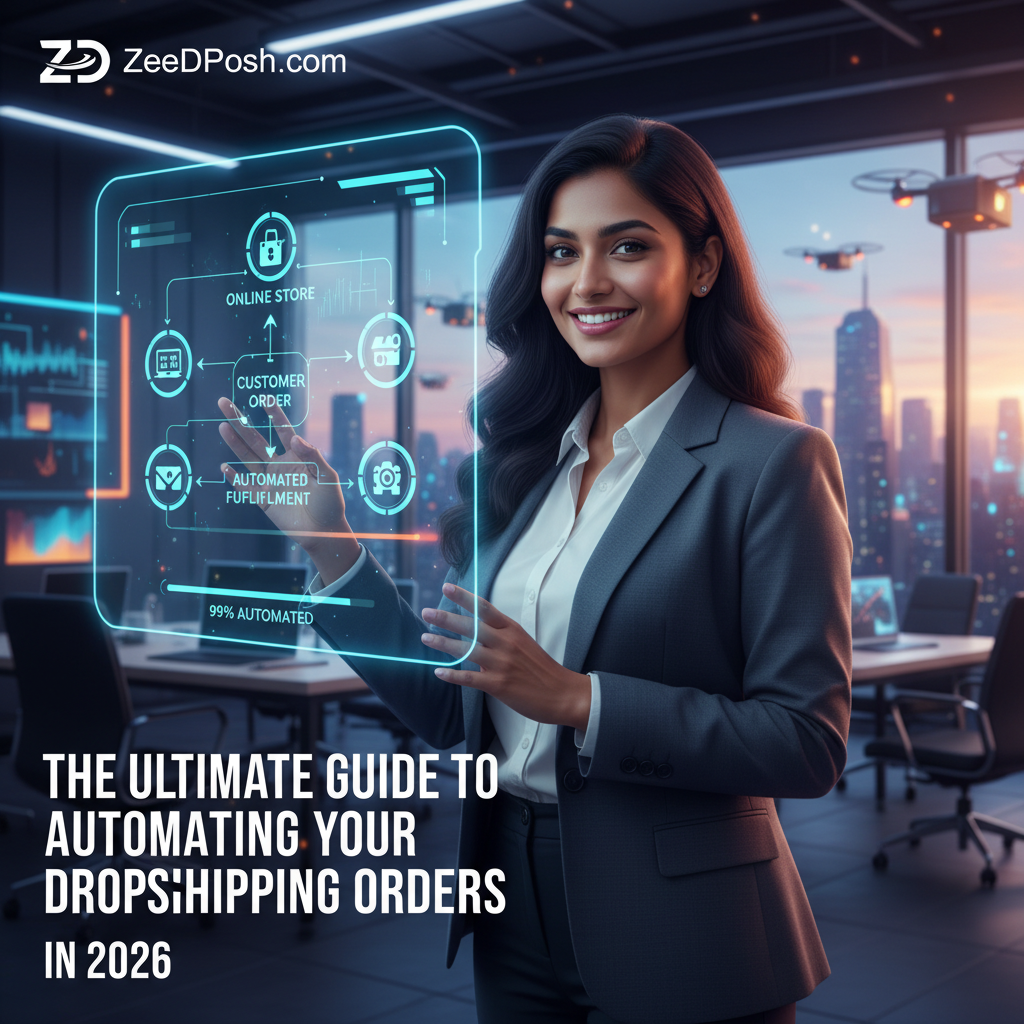
Why Automate Your Dropshipping Orders?
Before we dive into the how-to, let's quickly cover the "why." Automating your dropshipping orders offers several key benefits:
- Saves Time: Manually processing orders is time-consuming, especially as your business grows. Automation frees up hours each week.
- Reduces Errors: Human error is inevitable. Automated systems minimize mistakes in order fulfillment.
- Improves Efficiency: Faster processing times lead to happier customers and increased sales.
- Scalability: Automation allows you to handle a larger volume of orders without needing to hire additional staff.
- 24/7 Operation: Automated systems can process orders even when you're asleep.
Step 1: Choosing the Right Automation Tools
The foundation of any successful dropshipping automation strategy is selecting the right tools. Here's a breakdown of the key types of tools you'll need:
Order Management Systems (OMS)
An OMS is the central hub for managing your orders. It integrates with your sales channels (e.g., Shopify, Etsy, eBay) and your suppliers. Key features to look for include:
- Order Synchronization: Automatically imports orders from your sales channels.
- Inventory Management: Tracks inventory levels to prevent overselling.
- Supplier Integration: Sends orders directly to your suppliers.
- Tracking Updates: Automatically updates order status and tracking information for your customers.
- Reporting and Analytics: Provides insights into your sales performance.
Examples of popular OMS platforms include (but are not limited to) those that integrate well with your chosen e-commerce platform.
Inventory Management Software
Even with an OMS, dedicated inventory management software can be beneficial, especially if you're selling across multiple channels or working with multiple suppliers. Look for features like:
- Real-time Inventory Updates: Keeps your inventory levels accurate across all channels.
- Low-Stock Alerts: Notifies you when inventory is running low.
- Automated Purchase Orders: Automatically generates purchase orders when inventory falls below a certain threshold.
- Supplier Management: Tracks supplier performance and lead times.
Email Marketing Automation
Automated email marketing is crucial for keeping your customers informed and engaged. Key email automation features include:
- Order Confirmation Emails: Automatically sends confirmation emails when an order is placed.
- Shipping Updates: Automatically sends shipping updates with tracking information.
- Abandoned Cart Emails: Recovers lost sales by sending emails to customers who have abandoned their carts.
- Post-Purchase Emails: Encourages repeat purchases with personalized recommendations and promotions.
Virtual Assistants (Optional, but Increasingly Useful)
While not strictly automation software, virtual assistants (VAs) can handle tasks that are difficult to automate, such as customer service inquiries, product research, and supplier communication. AI-powered VAs are becoming increasingly sophisticated and can significantly streamline your operations.
Step 2: Setting Up Your Order Management System
Once you've chosen your OMS, the next step is to set it up correctly. This typically involves the following:
- Account Creation: Create an account with your chosen OMS provider.
- Sales Channel Integration: Connect your sales channels (e.g., Shopify, Etsy, eBay) to your OMS. This usually involves installing a plugin or app.
- Supplier Integration: Connect your suppliers to your OMS. This may involve providing your suppliers with access to your OMS or using an API to integrate their systems.
- Inventory Synchronization: Configure your OMS to automatically synchronize inventory levels across all channels.
- Payment Gateway Integration: Integrate your payment gateway (e.g., Stripe, PayPal) with your OMS.
- Shipping Configuration: Configure your shipping settings, including shipping rates, shipping carriers, and shipping zones.
Step 3: Automating Order Processing
Now that your OMS is set up, you can start automating the order processing workflow. Here's a typical automated workflow:
- Order Placement: A customer places an order on your sales channel.
- Order Synchronization: The order is automatically synchronized with your OMS.
- Inventory Check: The OMS checks inventory levels to ensure the product is in stock.
- Order Routing: The OMS routes the order to the appropriate supplier.
- Order Fulfillment: The supplier fulfills the order and provides tracking information.
- Tracking Update: The OMS automatically updates the order status and tracking information for the customer.
- Customer Notification: The customer receives an automated email notification with tracking information.
To configure this workflow, you'll need to set up rules and triggers within your OMS. For example, you might set up a rule that automatically sends orders to a specific supplier based on the product type or shipping location.
Step 4: Automating Inventory Management
Accurate inventory management is critical for avoiding overselling and ensuring timely order fulfillment. Here's how to automate your inventory management:
- Real-time Synchronization: Ensure that your OMS and inventory management software are synchronized in real-time.
- Low-Stock Alerts: Set up low-stock alerts to notify you when inventory is running low.
- Automated Purchase Orders: Configure your inventory management software to automatically generate purchase orders when inventory falls below a certain threshold.
- Supplier Lead Time Tracking: Track supplier lead times to anticipate potential stockouts.
Consider exploring tools like ZeeDrop Crosslister, which allows you to list products across multiple marketplaces efficiently. This can significantly streamline your inventory management process by ensuring consistent product information and availability across all your sales channels.
Step 5: Automating Customer Communication
Effective customer communication is essential for building trust and loyalty. Here's how to automate your customer communication:
- Order Confirmation Emails: Automatically send order confirmation emails when an order is placed.
- Shipping Updates: Automatically send shipping updates with tracking information.
- Abandoned Cart Emails: Recover lost sales by sending emails to customers who have abandoned their carts.
- Post-Purchase Emails: Encourage repeat purchases with personalized recommendations and promotions.
- Customer Service Automation: Use chatbots and AI-powered customer service tools to handle common inquiries.
Personalize your automated emails as much as possible to create a more engaging experience for your customers.
Step 6: Monitoring and Optimization
Automation is not a "set it and forget it" process. You need to continuously monitor your automated systems and optimize them for performance. Here are some key metrics to track:
- Order Processing Time: How long does it take to process an order from placement to fulfillment?
- Inventory Accuracy: How accurate is your inventory data?
- Customer Satisfaction: How satisfied are your customers with the order fulfillment process?
- Conversion Rates: Are your abandoned cart emails and post-purchase emails effective?
Use the data you collect to identify areas for improvement and make adjustments to your automated systems. For example, if you're experiencing a high rate of abandoned carts, you might experiment with different email subject lines or offer discounts to encourage customers to complete their purchases.
Advanced Automation Techniques
Once you've mastered the basics of dropshipping automation, you can explore more advanced techniques, such as:
- AI-Powered Product Research: Use AI tools to identify trending products and profitable niches.
- Dynamic Pricing: Automatically adjust your prices based on market demand and competitor pricing.
- Personalized Product Recommendations: Use AI to recommend products to customers based on their browsing history and purchase behavior.
- Predictive Analytics: Use predictive analytics to forecast demand and optimize inventory levels.
Conclusion: Embrace the Power of Automation
Automating your dropshipping orders is essential for success in 2026. By choosing the right tools, setting up your systems correctly, and continuously monitoring and optimizing your performance, you can save time, reduce errors, improve efficiency, and scale your business. Embrace the power of automation and take your dropshipping business to the next level!
Dropshipping Automation FAQs
Frequently Asked Questions About Dropshipping Automation
- What is dropshipping automation?
- Dropshipping automation involves using software and tools to streamline and automate various aspects of your dropshipping business, such as order processing, inventory management, and customer communication.
- Why should I automate my dropshipping orders?
- Automation saves time, reduces errors, improves efficiency, and allows you to scale your business more easily.
- What tools do I need to automate my dropshipping orders?
- You'll need an order management system (OMS), inventory management software, and email marketing automation tools. Virtual assistants can also be helpful for tasks that are difficult to automate.
- How do I choose the right OMS?
- Look for an OMS that integrates with your sales channels and suppliers, offers robust inventory management features, and provides detailed reporting and analytics.
- How do I integrate my sales channels with my OMS?
- Most OMS platforms offer plugins or apps that allow you to easily connect your sales channels (e.g., Shopify, Etsy, eBay).
- How do I automate inventory management?
- Ensure that your OMS and inventory management software are synchronized in real-time, set up low-stock alerts, and configure your software to automatically generate purchase orders when inventory falls below a certain threshold.
- How do I automate customer communication?
- Use email marketing automation tools to send order confirmation emails, shipping updates, abandoned cart emails, and post-purchase emails.
- How do I monitor and optimize my automated systems?
- Track key metrics such as order processing time, inventory accuracy, customer satisfaction, and conversion rates. Use the data you collect to identify areas for improvement and make adjustments to your systems.
- What are some advanced automation techniques I can explore?
- Advanced techniques include AI-powered product research, dynamic pricing, personalized product recommendations, and predictive analytics.
- Is dropshipping automation expensive?
- The cost of automation varies depending on the tools you choose and the size of your business. However, the time savings and efficiency gains often outweigh the costs.
